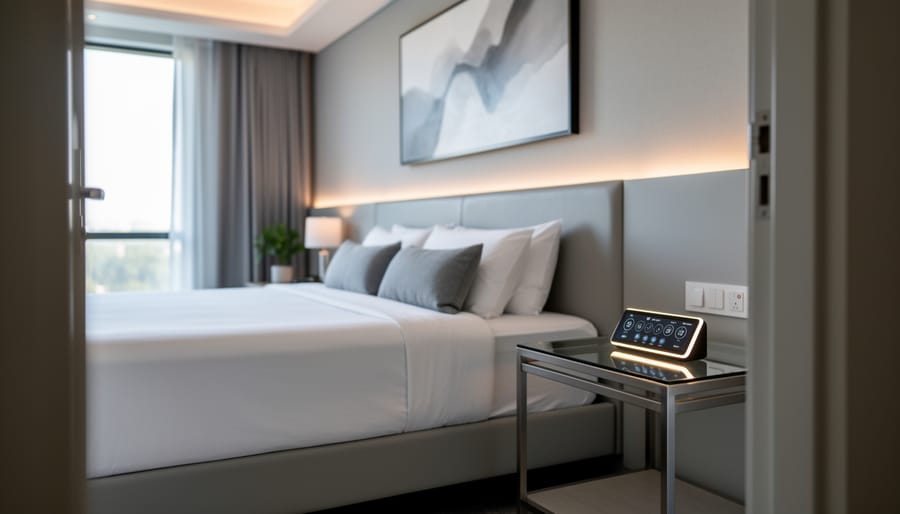
How to Improve Guest Experience in Hotels with Smart Room Technology
Improving guest experience in your hotel starts with smart integration of modern technology, personalized service touchpoints, and streamlined operational systems that work together to create memorable stays. In 2026, the most successful properties blend automated convenience features like mobile check-in and smart room controls with human-centered hospitality that anticipates guest needs before they’re voiced.
The hospitality landscape has shifted dramatically. Guests no longer compare your property just to other hotels. They’re measuring their experience against every seamless interaction they have with technology throughout their day, from their smart home to their favorite apps. Meeting these expectations doesn’t require a complete property overhaul or a seven-figure budget. Strategic upgrades in key areas deliver measurable improvements in satisfaction scores and positive reviews.
This guide walks you through practical, implementation-ready strategies that hotel owners and property managers can deploy to transform guest experience. You’ll learn which smart technologies deliver the highest return on investment, how to implement them safely and efficiently without disrupting operations, and how to verify that your improvements are actually moving the needle on guest satisfaction.
Whether you manage a boutique bed-and-breakfast or oversee multiple properties, these steps follow a DIY-friendly approach that balances professional-grade results with manageable installation processes. The focus stays on what works: tested solutions that enhance comfort, improve communication, and create those small moments of delight that turn first-time visitors into loyal guests who book directly and recommend your property to others.
What You’ll Need: Essential Smart Room Components
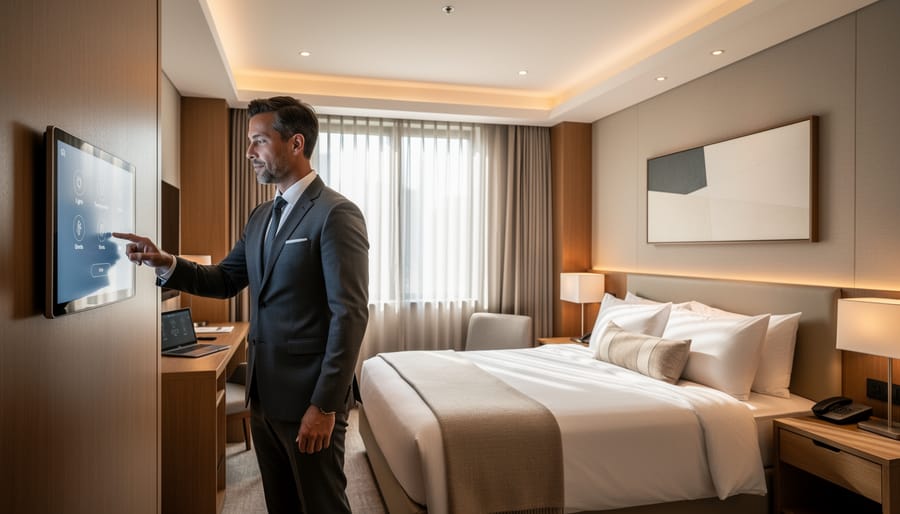
Creating a smart guest room requires a carefully planned technology stack that balances functionality with ease of use. Before you begin installation, gather all necessary components to ensure a smooth implementation process.
Your connectivity infrastructure forms the foundation of any smart room system. You’ll need enterprise-grade Wi-Fi access points capable of handling multiple simultaneous device connections, Power over Ethernet (PoE) switches to support networked devices, and a dedicated VLAN for guest room IoT devices separate from guest Wi-Fi. Cat6 or Cat6a cabling provides the backbone for reliable data transmission, while a centralized network controller manages traffic and security across all rooms.
The hardware ecosystem includes several categories of components:
- Connectivity Infrastructure: Enterprise Wi-Fi 6 access points, PoE network switches, Cat6a cabling, dedicated IoT network controllers
- Smart Devices: IoT-enabled thermostats, smart lighting systems with dimming capability, motorized window treatments, smart locks with mobile key support, voice assistants designed for hospitality
- Control Interfaces: In-room control tablets or keypads, mobile guest apps, property management system (PMS) integration modules
- Integration Software: Central management platform, room automation software, guest preference database, API connectors for third-party systems
For device selection, prioritize systems that use open protocols like Zigbee or Z-Wave rather than proprietary solutions. This ensures flexibility if you need to swap vendors later. Smart TVs should support major streaming platforms and offer built-in casting capabilities. Select voice assistants specifically designed for hotels, which include privacy features and hospitality-specific commands rather than consumer models.
Your control hub ties everything together. Look for a property management system that integrates directly with your chosen smart devices, or invest in a middleware platform that bridges different systems. Most hotels find success with cloud-based management consoles that allow staff to monitor and adjust settings across multiple rooms from a central location.
Budget for redundancy in critical systems. Backup internet connections, battery backup for smart locks, and manual override capabilities ensure guest comfort even during technical issues.
Safety and Compatibility Considerations
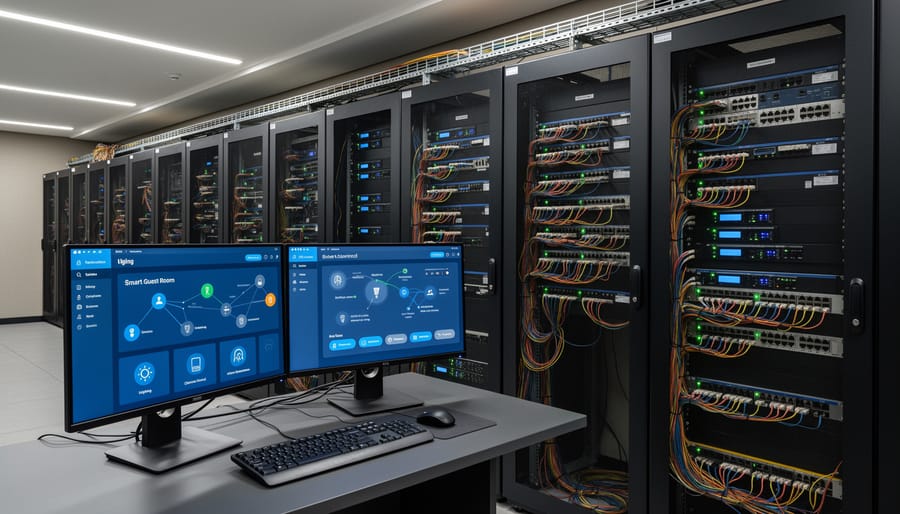
Before deploying smart room technology, you need to address critical security and compatibility challenges that could compromise guest safety or create legal liability. Smart hotel rooms collect sensitive personal data, from room entry times to climate preferences and viewing habits, making robust data protection and cybersecurity protocols essential.
Start with network segmentation. Your smart room devices must operate on a separate network from your property management system and payment processing infrastructure. This isolation prevents a compromised smart thermostat or TV from providing backdoor access to guest financial data or reservation records. Configure each device with unique credentials rather than default passwords, and establish automatic firmware update schedules to patch known vulnerabilities.
Guest data protection requires clear consent mechanisms and transparent data handling policies. Implement automatic data purging that wipes all personalization settings and usage logs within 24 hours of checkout unless guests explicitly opt in to profile retention. Follow current guidelines on smart home privacy and cybersecurity to ensure your voice-activated systems don’t inadvertently record private conversations or transmit data to unauthorized third parties.
Electrical safety checks are equally critical. Verify that all smart devices carry appropriate certifications for commercial hospitality use, not just residential ratings. Overloading circuits with multiple IoT devices can create fire hazards, so have a licensed electrician assess your electrical capacity before installation. Test compatibility between different manufacturers’ systems using a pilot room setup, many smart devices claim universal integration but fail to communicate reliably with competing platforms in real-world conditions.
Step-by-Step Implementation Process
Step 1: Assess Your Current Infrastructure
Start by walking through several guest rooms with a checklist and tablet to document what’s already in place. Check each room’s electrical outlets, count them, note their locations, and test whether circuits can handle additional smart devices without overloading. Most older properties have 15-amp circuits that may need upgrades for multiple connected devices.
Examine your networking infrastructure next. Run speed tests in different rooms to identify weak spots in Wi-Fi coverage. Smart room technology demands reliable connectivity, so rooms with spotty signals will need additional access points or mesh network extenders before you install any devices.
Document the physical layout of each room type. Take photos showing where furniture sits, where natural light enters, and where guests typically need controls. This reveals ideal placement for smart thermostats, lighting panels, and voice assistants, putting controls where guests naturally reach for them.
Test your property management system’s compatibility with modern smart room platforms. Many older systems require middleware or complete replacement to communicate with IoT devices. Contact your current provider to confirm integration capabilities before purchasing new equipment.
Step 2: Install Smart Lighting and Climate Controls
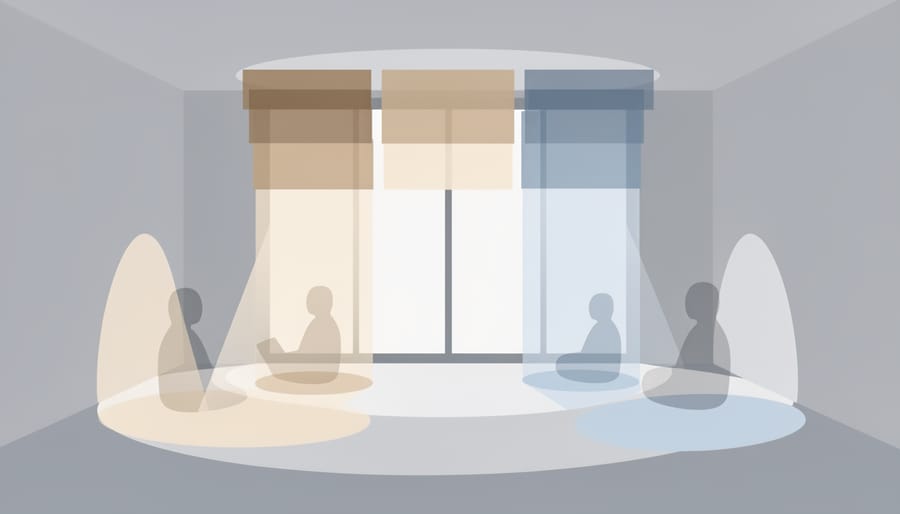
Start by replacing existing light switches with smart dimmer switches that connect to your central control system. Install these at standard switch heights, ensuring neutral wires are present, older hotels may need an electrician to add them. Mount smart bulbs in all fixtures, choosing tunable white-light options that adjust from warm (2700K) to cool (5000K) for different times of day.
For climate control, remove old thermostats and install smart models with occupancy sensors. Position them on interior walls away from windows and heat sources for accurate readings. Wire them according to your HVAC system type, heat pump configurations differ from standard forced air. Enable geofencing so rooms pre-cool or pre-heat when guests approach.
Motorized window treatments require mounting brackets strong enough to support the mechanism weight. Install the motor housing inside the headrail, run power to a nearby outlet or hardwire into the wall, then program open/close schedules through your control hub. Connect blackout shades to the “do not disturb” function so they automatically close for guest privacy.
Link all components to your property management system. Test each room’s ability to trigger “welcome” scenes (lights at 70%, temperature to 72°F) when guests check in digitally, and “departure” modes that return everything to energy-saving defaults.
Step 3: Set Up Voice-Activated Assistants and Controls
Begin by selecting a hospitality-grade voice assistant platform that integrates with your property management system. Amazon Alexa for Hospitality and Google Nest for Hospitality offer hotel-specific features with built-in guest privacy protections that automatically reset after checkout.
Position voice-enabled devices on nightstands or desks where guests can easily interact without leaving the bed or workspace. Mount additional units in bathrooms for hands-free control while getting ready. Connect each device to your hotel’s network through a dedicated VLAN that isolates guest voice commands from your operational systems.
Configure custom wake words and program hotel-specific voice commands. Set up phrases like “request fresh towels,” “call the front desk,” or “order room service” that trigger direct actions through your PMS. Create shortcuts for frequently requested information such as checkout times, restaurant hours, and local recommendations.
Test multilingual support if you serve international guests, ensuring the system recognizes various accents and languages. Program default responses for common questions about hotel amenities, Wi-Fi passwords, and nearby attractions. Disable shopping features and external calling to maintain control over the guest experience and prevent unauthorized purchases.
Step 4: Integrate Entertainment and Connectivity Systems
Mount the smart TV at standard viewing height (42-48 inches from floor to center) and connect it to both ethernet and your secure guest network for streaming reliability. Configure a hotel-branded home screen that displays welcome messages, local recommendations, and easy access to popular streaming services like Netflix, Hulu, and Disney+. Enable guest mode on streaming apps so visitors can log into their personal accounts without security concerns, these sessions automatically clear upon checkout.
Install a wireless casting device (Chromecast or AirPlay-compatible system) so guests can mirror content from their phones and tablets. Position dual-band WiFi access points strategically: one near the desk for business travelers and another by the bed for evening streaming. Aim for minimum speeds of 100 Mbps per room to handle multiple device connections simultaneously.
For premium rooms, integrate a soundbar or upgrade to better in-room sound systems that sync with the TV through HDMI-ARC. This smart entertainment setup creates theater-quality audio that guests notice immediately. Add USB charging ports and HDMI inputs at convenient locations, bedside tables and desks work best, so guests can easily connect gaming consoles or laptops without crawling behind furniture.
Step 5: Implement Mobile Key and Access Systems
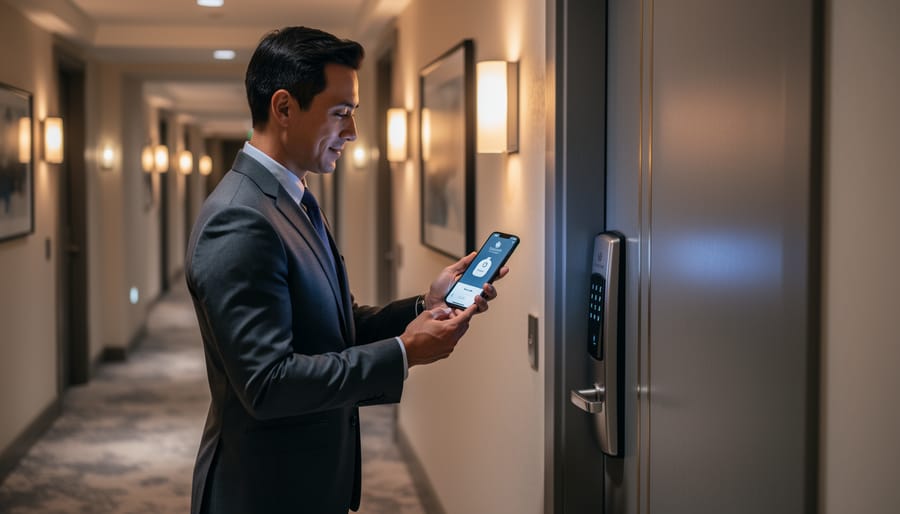
Mobile key systems eliminate front desk bottlenecks while giving guests the freedom to check in remotely and head straight to their rooms. Start by selecting commercial-grade smart entry systems designed for hospitality, models like Assa Abloy or Dormakaba integrate seamlessly with property management systems. Install the electronic locks on each door, ensuring proper alignment and power supply through either hardwired connections or battery backup.
Configure your mobile check-in platform to generate time-limited encrypted keys that guests receive via email or app after booking confirmation. For properties upgrading existing infrastructure, Z-Wave smart locks offer retrofit-friendly options that maintain current door hardware while adding digital capabilities. Test the entire workflow: reservation to key delivery, room access, and automatic expiration after checkout. Set up backup protocols for dead batteries or connectivity issues, including master key codes for staff and temporary physical keys at the desk for guests experiencing technical difficulties.
Step 6: Create Personalization Profiles and Preferences
Setting up preference systems transforms occasional guests into loyal returnees by remembering their ideal room environment. Modern property management systems (PMS) can capture and store individual preferences that automatically load when guests check in again.
Start by configuring your PMS to link guest profiles with room control systems. When a returning guest books, their saved preferences, preferred temperature (say, 68°F), lighting scenes (warm ambient for evenings), pillow type, minibar preferences, and streaming service logins, trigger automatically upon room assignment. This eliminates the tedious process of readjusting everything each visit.
Create preference capture points throughout the guest journey. Your mobile app or in-room tablet should prompt guests to save their settings during their first stay. Include options for wake-up lighting routines, preferred news channels, and even white noise settings for sleep. Make opt-in explicit and GDPR-compliant, explaining how data improves their next stay.
For VIP or frequent guests, staff can manually input observed preferences, extra towels, specific water brands, room temperature noted during service calls. Train your housekeeping and front desk teams to record these details in guest profiles.
Test the system by booking a dummy reservation under an existing profile to verify all saved preferences load correctly before the guest arrives.
Testing and Verification: Ensuring Everything Works
Before opening your smart rooms to guests, run comprehensive tests that simulate real-world scenarios. Start by walking through the complete guest journey yourself, from mobile check-in and digital key access through room entry, climate adjustments, lighting scenes, voice commands, and entertainment systems. Test each function multiple times at different times of day to catch intermittent connectivity issues or automation glitches that only appear under specific conditions.
Create a verification checklist that covers every installed system: confirm smart locks grant and revoke access properly, verify thermostats respond to both voice and app controls, test lighting scenes activate correctly, ensure entertainment systems connect seamlessly to guest devices, and validate that voice assistants recognize hotel-specific commands without confusion. Pay special attention to integration points where multiple systems interact, as these are common failure spots that can frustrate guests.
Involve staff members who aren’t tech-savvy in your testing process, if they struggle with controls, your guests will too. Have housekeeping verify that reset procedures work smoothly between guest stays, ensure front desk staff can troubleshoot common issues remotely, and confirm maintenance teams can access override controls when needed. This approach mirrors the same systematic verification you’d use when implementing smart tech for comfort in any environment where reliability matters.
Document every issue discovered during testing, no matter how minor, and create quick-reference troubleshooting guides for staff. Run a soft launch with friendly guests or staff members staying overnight to catch problems that only surface during actual use. Their feedback will reveal interface confusion, timing issues with automations, or missing features that seemed obvious to you but aren’t intuitive to newcomers.
Advanced Enhancements for Premium Guest Experience
Once your foundational smart room systems are running smoothly, several advanced technologies can differentiate your property in the luxury hospitality market.
AI-Powered Virtual Concierge
Deploy conversational AI assistants that go beyond basic voice commands to handle complex requests. These systems learn from interactions to recommend dining based on dietary preferences, suggest local experiences aligned with guest interests, and manage scheduling without human intervention. Modern platforms integrate with your property management system to handle room service orders, spa bookings, and checkout requests through natural conversation.
Intelligent Minibar Management
Replace manual minibar checks with weight sensors and RFID tracking that automatically log consumption and bill accounts in real-time. This eliminates the awkward checkout surprise while providing housekeeping with precise restocking information, reducing waste and improving turnover efficiency between guests.
Wellness and Sleep Optimization
Advanced rooms can monitor air quality, adjust circadian lighting throughout the day, and regulate white noise or aromatherapy systems to improve sleep quality. Some properties integrate with guests’ fitness wearables to suggest optimal room conditions based on their activity levels and sleep patterns. Environmental sensors detect and correct issues like humidity or temperature fluctuations before guests notice discomfort.
Predictive Maintenance Systems
IoT sensors throughout the room monitor equipment performance and predict failures before they impact guests. Your maintenance team receives alerts when HVAC efficiency drops, water pressure changes, or door mechanisms show wear patterns, allowing proactive repairs during vacant periods rather than emergency fixes during stays.
These premium enhancements require higher upfront investment but create memorable experiences that command rate premiums and drive direct bookings from technology-savvy travelers seeking differentiated stays.
Common Questions About Smart Hotel Rooms
Smart room technology represents a significant investment, and hotel managers naturally have questions before committing to implementation. Here are the answers to the most common concerns we encounter.
What’s the typical cost to outfit a single guest room?
A basic smart room upgrade typically ranges from $2,500 to $5,000 per room, including smart locks, lighting controls, thermostats, and voice assistants. Premium implementations with advanced personalization and entertainment systems can reach $8,000 to $12,000 per room, though costs continue decreasing as technology matures.
How quickly do guests adapt to smart room features?
Most guests engage with smart features immediately, particularly mobile keys and voice controls. Properties report 60-75% adoption rates within the first month of implementation, with younger demographics and business travelers showing even higher usage patterns.
What happens to guest data after checkout?
Reputable systems automatically purge personal preferences and activity data within 24-48 hours of checkout, though anonymized usage patterns may be retained for system optimization. Always implement explicit consent protocols and clear privacy policies outlining data handling practices.
How much ongoing maintenance do smart systems require?
Plan for quarterly software updates, monthly battery replacements for wireless devices, and periodic network security audits. Most properties budget 8-12% of initial installation costs annually for maintenance, though centralized management platforms significantly reduce hands-on maintenance time.
The return on investment question depends on your property type and target market. Boutique hotels typically see ROI within 18-24 months through increased bookings and premium pricing, while larger chains benefit from operational efficiency gains that offset costs more quickly. Track both direct revenue impact (higher ADR, occupancy rates) and indirect benefits like reduced energy consumption and staffing optimization.
Technical support doesn’t require a full IT department. Many vendors offer 24/7 remote support, and cloud-based management platforms let your staff troubleshoot common issues through simple mobile interfaces. Training your existing team on basic troubleshooting typically takes just two to three days.
Guest preferences vary by demographic, but nearly universal appreciation exists for mobile check-in, keyless entry, and climate control. Older guests may prefer traditional controls as backup options, so maintaining physical switches alongside smart features ensures everyone feels comfortable.
Implementing smart room technology represents more than just a technological upgrade, it’s a fundamental shift in how hotels meet guest expectations and operate competitively in 2026. The systems you’ve installed transform passive rooms into responsive environments that anticipate needs, remember preferences, and deliver seamless convenience that today’s travelers demand.
Beyond guest satisfaction, you’ve positioned your property for improved operational efficiency. Automated climate controls reduce energy waste, predictive maintenance catches issues before they disrupt stays, and mobile integration streamlines check-in processes that free staff for higher-value guest interactions. These efficiencies translate directly to your bottom line while elevating service quality.
The hospitality technology landscape continues evolving rapidly. What impresses guests today becomes baseline expectation tomorrow. Stay informed about emerging trends, whether AI-driven personalization, enhanced wellness features, or new connectivity standards, and plan for modular upgrades that keep your smart rooms current without complete overhauls.
You’ve built the foundation for a guest experience that differentiates your property in a crowded market. Regular system reviews, guest feedback analysis, and incremental improvements will ensure your smart room technology continues delivering competitive advantage for years ahead.