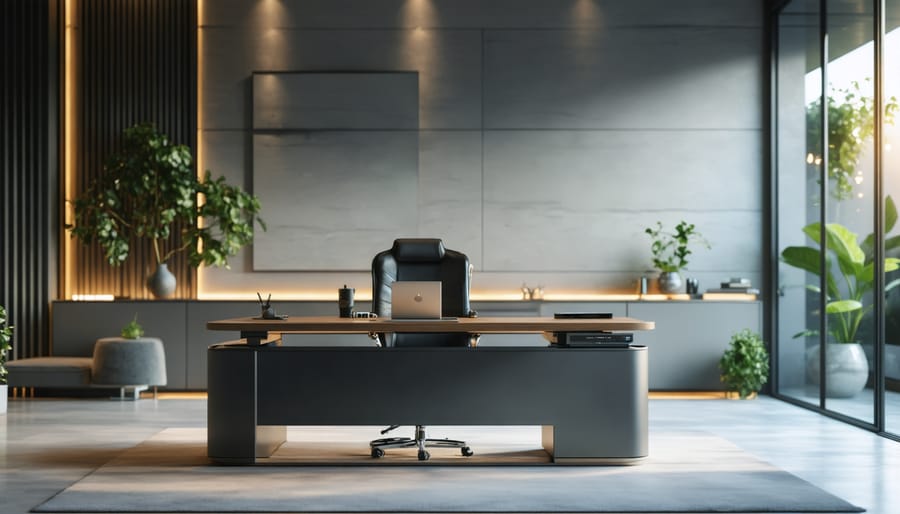
Transform Your Home Office into a Productivity Powerhouse with Smart Tech
Transform your home office into a productivity powerhouse by integrating smart technology that revolutionizes how you work. Modern professionals spend an average of 40+ hours weekly in their home offices, making intelligent workspace design not just a luxury, but a necessity. From voice-controlled lighting systems that adjust automatically during video calls to smart desks that remind you to stand, today’s technology offers unprecedented control over your work environment. Create a space that enhances focus, maximizes efficiency, and adapts to your unique working style – all while maintaining the comfort and convenience of home. The latest smart office solutions combine AI-powered automation, ergonomic design, and seamless connectivity to deliver a workspace that’s both sophisticated and practical. Whether you’re a full-time remote worker or occasional home-based professional, implementing these smart office innovations can dramatically improve your productivity, well-being, and work-life balance.
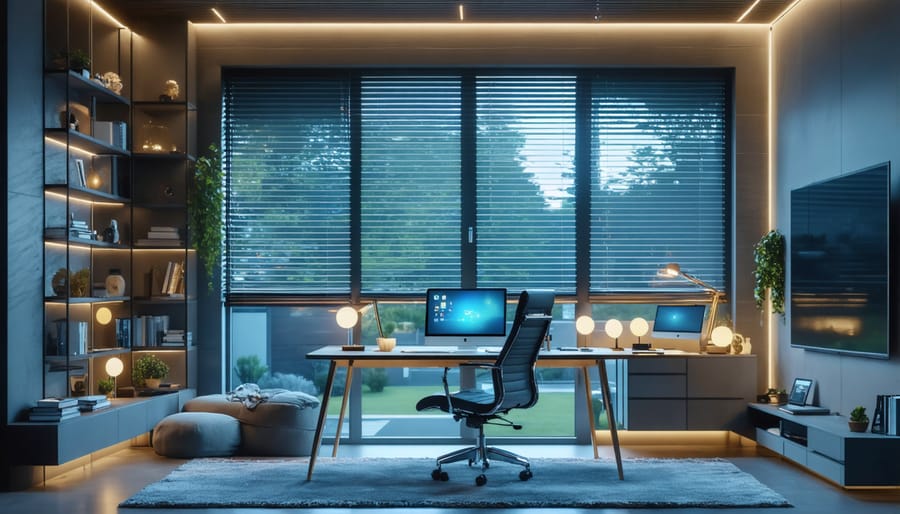
Smart Lighting Solutions That Boost Focus
Automated Lighting Controls
Transforming your home office lighting from basic to brilliant is easier than ever with modern smart lighting solutions. Start with smart switches that replace your traditional wall switches – they’re perfect for controlling overhead lights and can be operated via smartphone or voice commands. Motion sensors are game-changers for hands-free convenience, automatically illuminating your workspace when you enter and turning off lights when you leave, helping save energy and adding a touch of luxury to your daily routine.
The real magic happens with scheduling features. Program your lights to gradually brighten in the morning, mimicking natural sunlight to help maintain your circadian rhythm. Set them to adjust throughout the day, providing energizing bright light for focused work and softer, warmer tones for afternoon meetings. You can even create custom scenes – “Video Conference” mode for perfect lighting during calls, or “Focus Time” with subtle ambient lighting for deep work sessions.
Most smart lighting systems integrate seamlessly with popular voice assistants like Alexa or Google Home, making adjustments as simple as saying “dim the lights” or “switch to reading mode.”
Color Temperature Optimization
Color temperature plays a crucial role in your productivity and well-being throughout the workday. Smart bulbs offer the perfect solution by automatically adjusting your lighting to match your body’s natural circadian rhythm. Start your morning with cooler, bluish light (around 5000K-6500K) to boost alertness and energy levels. As the day progresses, gradually transition to warmer tones (2700K-3000K) that help you wind down and reduce eye strain.
Most smart bulbs can be programmed to follow these daily cycles automatically. Create custom schedules in your smart home app to mirror natural daylight patterns, or use preset modes like “Focus” and “Relax” for different tasks. Some advanced smart lighting systems even sync with your calendar, adjusting the color temperature based on your scheduled activities.
For video calls, set your lights to a neutral white (around 4000K) to ensure you look professional on camera. Many smart bulbs also offer scene settings specifically designed for video conferencing, helping you achieve the perfect balance of visibility and professionalism.
Connected Furniture for Comfort and Health
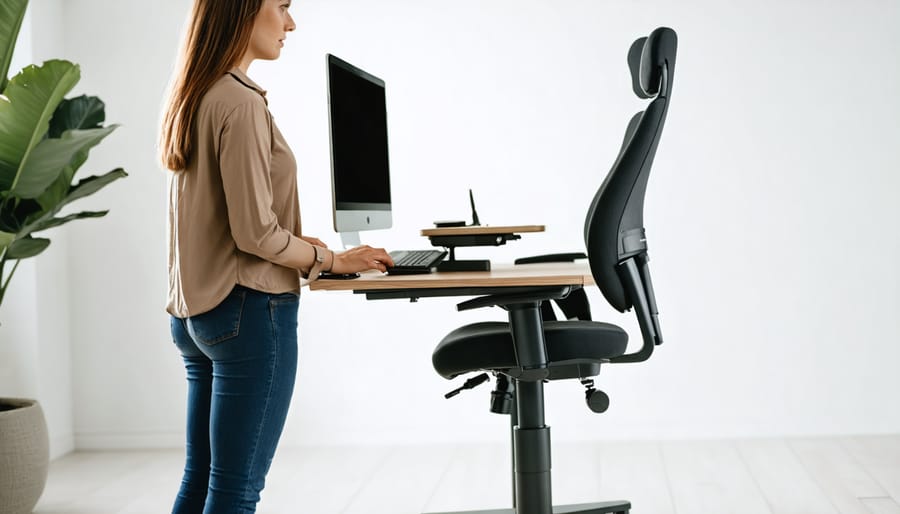
Smart Standing Desks
Smart standing desks represent a game-changing addition to any modern home office, combining health benefits with cutting-edge technology. These automated workstations allow you to smoothly transition between sitting and standing positions with the touch of a button or through your smartphone.
Most smart standing desks come equipped with programmable height presets, making it effortless to switch between your preferred positions throughout the day. Some advanced models even feature built-in reminders that notify you when it’s time to change positions, helping you maintain better posture and work habits.
What sets these desks apart is their smart connectivity. Many models integrate with voice assistants like Alexa or Google Home, allowing you to adjust your desk height hands-free. Some premium options include built-in USB charging ports, wireless charging pads, and LED displays showing desk height and time spent sitting versus standing.
The latest smart standing desks also offer companion apps that track your standing goals and provide detailed analytics about your work patterns. These insights can help you develop healthier work habits and maintain better ergonomics throughout your day.
When choosing a smart standing desk, look for features like anti-collision detection, quiet motors, and sturdy construction that can support multiple monitors and accessories. Many models also offer customizable height ranges to accommodate users of different heights, making them perfect for shared home office spaces.
Intelligent Seating Solutions
Transform your home office experience with cutting-edge seating solutions that actively support your health and productivity. Today’s smart chairs combine ergonomic design with intelligent technology to create the perfect sitting experience. These innovative seats feature built-in sensors that monitor your posture throughout the day, gently alerting you when you’re slouching or sitting in potentially harmful positions.
Many smart chairs now come with companion apps that track your sitting habits and provide personalized recommendations for better posture. Some advanced models even automatically adjust their support settings based on your body position and weight distribution. Features like dynamic lumbar support, seat depth adjustment, and intelligent pressure distribution help prevent fatigue and reduce the risk of repetitive strain injuries.
Look for chairs with programmable memory settings that can accommodate multiple users or different working positions. Some models include built-in massage functions and temperature regulation to enhance comfort during long work sessions. The latest designs incorporate AI-powered adjustment systems that learn your preferences over time and automatically optimize seat settings for your body type and work habits.
For the ultimate smart office setup, consider chairs with integration capabilities that connect to your other smart devices. These can remind you to take standing breaks, adjust lighting based on your position, or even sync with your calendar to optimize seating positions for different types of activities, from focused work to video conferencing.
Climate Control and Air Quality Management
Smart Thermostats
Transform your home office into a consistently comfortable workspace with smart thermostat technology. These intelligent devices go beyond basic temperature control, offering sophisticated programming and automation features that help maintain your ideal working environment while maximizing energy efficiency.
Modern smart thermostats learn your schedule and preferences, automatically adjusting throughout your workday. They can detect when you’re present in your office and modify settings accordingly, ensuring you’re never too hot or too cold during important video calls or focused work sessions. By implementing optimal climate control systems, you can create the perfect environment for productivity.
Many smart thermostats integrate seamlessly with voice assistants like Alexa or Google Assistant, allowing you to adjust the temperature hands-free while staying focused on your tasks. Some models even feature occupancy sensors and can be zoned to heat or cool specific areas, making them ideal for home offices in larger spaces.
The accompanying smartphone apps provide detailed energy reports and usage patterns, helping you optimize your settings for both comfort and cost savings. You can also set custom schedules that align with your working hours, ensuring your office is at the perfect temperature when you start your day.
Air Quality Monitors
Air quality can significantly impact your productivity and well-being while working from home. Modern air quality monitors offer smart solutions to keep your workspace healthy and comfortable. These devices track multiple air quality factors, including humidity levels, carbon dioxide concentration, and the presence of volatile organic compounds (VOCs).
Popular options like the Amazon Smart Air Quality Monitor or the Airthings Wave Plus can sync with your smartphone, providing real-time updates and historical data through user-friendly apps. Many models integrate seamlessly with voice assistants like Alexa or Google Home, allowing you to check air quality levels with simple voice commands.
For a complete smart air management system, consider pairing your monitor with an automated air purifier. These smart purifiers can automatically adjust their settings based on the monitor’s readings, maintaining optimal air quality without manual intervention. Some models even work with your smart thermostat to manage ventilation when needed.
Look for monitors with PM2.5 sensors, which detect fine particulate matter that can affect respiratory health. The best devices will send notifications to your phone when air quality drops, suggesting actions like opening windows or activating air purifiers to improve your workspace environment.
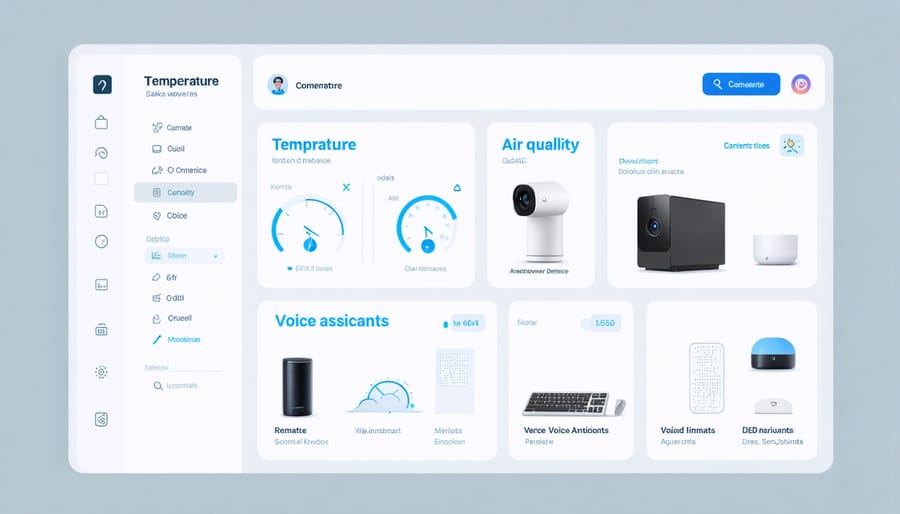
Productivity-Enhancing Tech Integration
Voice-Controlled Assistants
Voice-controlled assistants have revolutionized how we interact with our home offices, making tasks more streamlined and efficient. Popular options like Amazon Alexa, Google Assistant, and Apple’s Siri can transform your workspace into a hands-free command center, perfect for maintaining productivity while multitasking.
Setting up a smart speaker in your office allows you to manage your schedule, set reminders, and create to-do lists without taking your hands off your keyboard. Simply say “Set a meeting for 2 PM” or “Remind me to send the proposal tomorrow morning,” and your assistant takes care of the rest.
These virtual helpers can also control other smart devices in your office. Imagine adjusting your smart lighting, thermometer, or even your printer with just your voice. Need to join a video call? Ask your assistant to start the meeting. Running low on office supplies? Add them to your shopping list without interrupting your workflow.
For maximum efficiency, position your smart speaker where it can clearly hear you – typically on your desk or a nearby shelf. Consider having multiple speakers if you have a larger office space. To avoid confusion, customize your wake word and create routines for common tasks, like “Start my workday,” which could automatically adjust your lighting, open your calendar, and play your favorite focus music.
Automated Organization Systems
In today’s digital workspace, keeping your home office organized isn’t just about physical storage – it’s about implementing smart solutions that streamline your workflow. Smart storage systems combine traditional organization with modern technology to create a more efficient workspace.
Start with a digital filing system that syncs across all your devices. Cloud-based solutions like Google Drive or Dropbox can automatically organize your documents based on custom rules, making file retrieval a breeze. Consider installing a smart scanner that automatically sorts and files documents to your preferred cloud storage, eliminating paper clutter.
For physical storage, invest in smart cabinets with fingerprint locks and inventory tracking capabilities. These systems can help you maintain secure storage while keeping track of important documents and supplies. Smart labels and RFID tags can transform ordinary storage into an intelligent system that helps you locate items quickly.
Cable management gets smarter with automated solutions too. Look for desk organizers with built-in charging stations and smart power strips that can be controlled via your phone. Some systems even include LED indicators to help you identify which cable belongs to which device.
Don’t forget about smart inventory management systems for office supplies. Set up automated reordering through voice commands or smartphone apps to ensure you never run out of essentials. Many modern storage solutions also include humidity and temperature sensors to protect sensitive documents and electronics, giving you peace of mind while maintaining an organized workspace.
Security and Privacy Solutions
Smart Locks and Cameras
Securing your smart home office is essential, and modern technology makes it easier than ever. Smart locks allow you to control access to your workspace remotely, perfect for when you need to let in maintenance workers or colleagues while you’re away. Popular options like the August Smart Lock or Yale Assure series can be controlled via smartphone and integrate seamlessly with voice assistants.
Indoor security cameras provide peace of mind and can double as video conferencing tools. Consider placing a camera near your office entrance and positioning another to monitor valuable equipment. Many smart cameras offer motion detection, two-way audio, and cloud storage for recorded footage. The Arlo Pro or Nest Cam IQ are excellent choices that provide clear HD video and night vision capabilities.
For added security, combine these devices with smart motion sensors and door sensors. This creates a comprehensive security system that alerts you whenever someone enters your office space, whether you’re home or away.
Data Protection
In today’s digital workspace, protecting your data is just as important as organizing your desk. Start by setting up a secure Wi-Fi network with a strong password and WPA3 encryption. Consider creating a separate guest network for visitors to keep your work network isolated and secure.
Install a reliable antivirus program and keep it updated, along with all your smart devices and operating systems. A good VPN service adds an extra layer of security when accessing sensitive work files or attending virtual meetings.
For smart device protection, regularly update default passwords on all connected office equipment, from printers to smart lights. Enable two-factor authentication wherever possible, especially for work-related accounts and smart home hubs.
Back up your work files regularly using both cloud storage and local external drives. Smart document storage solutions with encryption capabilities can help protect sensitive business information while keeping it easily accessible for your daily tasks.
Creating a smart home office doesn’t have to be overwhelming. By focusing on key elements like proper lighting, ergonomic furniture, and integrated technology, you can transform your workspace into an efficient, comfortable environment that enhances your productivity. Remember to start with the basics: a reliable internet connection, smart lighting, and a comfortable desk setup. Then, gradually incorporate additional smart features that align with your specific needs and budget.
Take time to plan your layout carefully, considering both functionality and aesthetics. Start with one area, perhaps lighting or temperature control, and expand your smart office capabilities as you become more comfortable with the technology. Don’t forget to regularly update your devices and security features to ensure optimal performance and protection.
Whether you’re a full-time remote worker or occasional home office user, implementing these smart solutions will make your workspace more efficient and enjoyable. Begin your smart office transformation today by choosing one or two features that will make the biggest impact on your daily workflow, and build from there.