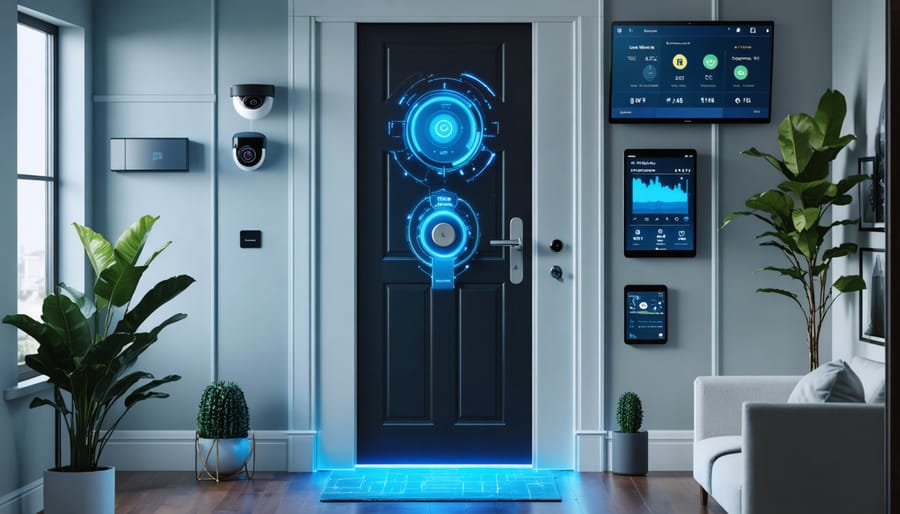
Z-Wave Smart Locks Transform Your Entryway Into a Modern Command Center
Transform your home’s security with Z-Wave smart locks – the cornerstone of modern entryway automation that seamlessly connects to your existing smart home ecosystem. These sophisticated devices eliminate traditional key hassles while offering military-grade encryption and real-time monitoring through your smartphone. Unlike standard electronic locks, Z-Wave models create a robust mesh network with other smart devices, extending range and reliability throughout your property.
Install a Z-Wave smart lock today to gain instant remote access control, automated scheduling for guests and service providers, and detailed entry logs accessible from anywhere. Whether you’re managing a single family home or multiple rental properties, these locks integrate effortlessly with popular home automation hubs like SmartThings, Ring, and Hubitat, putting complete access control at your fingertips.
Beyond basic keyless entry, Z-Wave smart locks offer advanced features like temporary access codes, auto-locking schedules, and instant notifications when doors are accessed. The technology’s reliable wireless protocol and long battery life ensure consistent performance while maintaining enterprise-level security standards that protect your property around the clock.
How Z-Wave Smart Locks Revolutionize Home Security
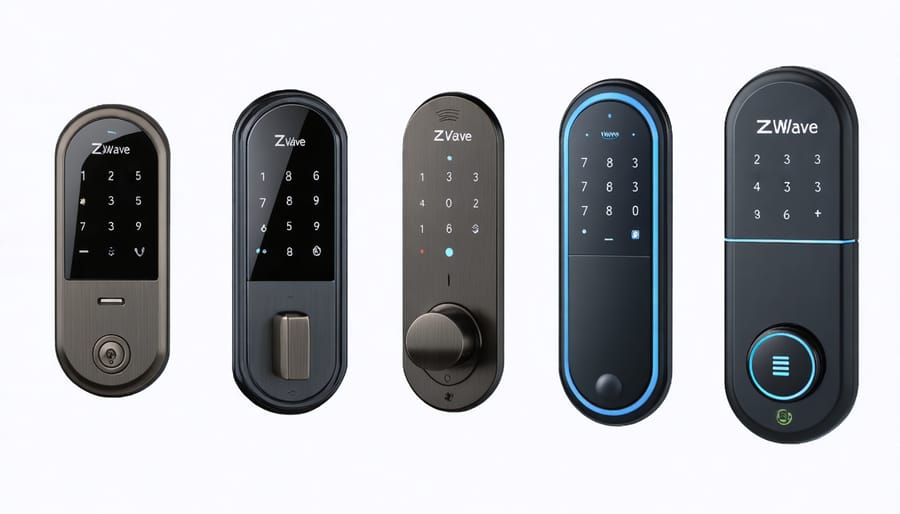
What Makes Z-Wave Different from Other Smart Lock Technologies
Z-Wave stands out from other smart lock technologies primarily through its mesh network capability, which allows devices to communicate with each other and extend the network’s range. Unlike Bluetooth, which has limited range and direct device-to-device communication, Z-Wave creates a robust network that strengthens with each new device added.
While Wi-Fi smart locks offer high-speed connectivity, they typically consume more power and can strain your home network. Z-Wave operates on a different frequency, preventing interference with your Wi-Fi network and offering superior battery life. Plus, Z-Wave’s lower power consumption means your smart locks can operate for months without battery changes.
Another key advantage is Z-Wave’s universal compatibility. All certified Z-Wave devices work together, regardless of brand or manufacturer. This interoperability makes it easy to expand your smart home system over time without worrying about compatibility issues.
Security is also paramount with Z-Wave’s AES-128 encryption, offering bank-grade protection for your smart locks. This makes Z-Wave an especially reliable choice for those prioritizing both convenience and security in their smart home setup.
Key Security Features of Z-Wave Locks
When it comes to Z-Wave smart home security, the locks in this ecosystem offer robust protection through multiple layers of security features. At the heart of Z-Wave locks is the S2 security framework, which uses advanced encryption similar to what banks use to protect your data. This ensures that your lock commands and access codes remain secure from potential hackers.
The mesh networking capability of Z-Wave locks adds another layer of reliability. Each device acts as a signal repeater, creating a stronger network as you add more Z-Wave devices to your home. This means your lock maintains consistent communication with your smart home hub, even if it’s installed far from the main controller.
Z-Wave locks also feature automatic security measures like auto-locking after a set time period and tamper alerts that notify you immediately of any suspicious activity. The system performs regular security checks and updates, ensuring your lock’s firmware stays current with the latest security protocols. Plus, if your internet goes down, Z-Wave locks continue to function through their local mesh network, maintaining your home’s security even during connectivity issues.
Popular Z-Wave Smart Lock Features for Your Entryway
Essential Features Every Homeowner Needs
Modern Z-Wave smart locks come packed with essential features that make home access both more convenient and secure. Keyless entry stands out as a game-changer, letting you unlock your door with a PIN code, eliminating the need to fumble for keys or worry about lost ones. Most models offer multiple PIN options, perfect for family members or trusted service providers.
Remote access capability transforms how you control your door lock. Whether you’re at work or on vacation, you can lock and unlock your door from anywhere using your smartphone. This proves invaluable when letting in maintenance workers or checking if you remembered to lock up.
Automatic locking adds an extra layer of security by ensuring your door locks itself after a preset time, typically between 30 seconds to a few minutes. This feature provides peace of mind, knowing your home is secure even if you forget to lock up manually.
Many Z-Wave locks also include activity monitoring, sending notifications whenever someone enters or exits. This feature helps you keep tabs on when kids return from school or when service providers access your home. Some models even integrate with security cameras, creating a comprehensive entry monitoring system.
Voice control compatibility rounds out the essential features, allowing you to check lock status or secure your door through popular smart home assistants.
Advanced Features for Enhanced Control
Z-wave smart locks offer a range of sophisticated features that put you firmly in control of your home’s security. One of the most practical features is the ability to create and manage temporary access codes. Whether you need to let in a dog walker, house cleaner, or vacation rental guest, you can generate time-limited codes that automatically expire after a set period.
The built-in activity log is another game-changing feature, letting you track who enters and exits your home and when. You’ll receive real-time notifications on your smartphone whenever someone uses the lock, giving you peace of mind and helping you monitor household activity patterns.
Integration capabilities take these locks to the next level. You can connect your Z-wave lock with other smart home devices to create automated routines. For instance, when you unlock your door, your hallway lights can automatically turn on, your thermostat can adjust to your preferred temperature, and your security system can disarm – all in one seamless action.
Advanced scheduling features allow you to set up recurring access schedules for regular visitors. You can also enable auto-lock functionality, which automatically secures your door after a predetermined time, ensuring you never accidentally leave it unlocked. For added security, many Z-wave locks include tamper alerts and low-battery warnings, keeping you informed about your lock’s status at all times.
Integrating Z-Wave Locks with Your Smart Home
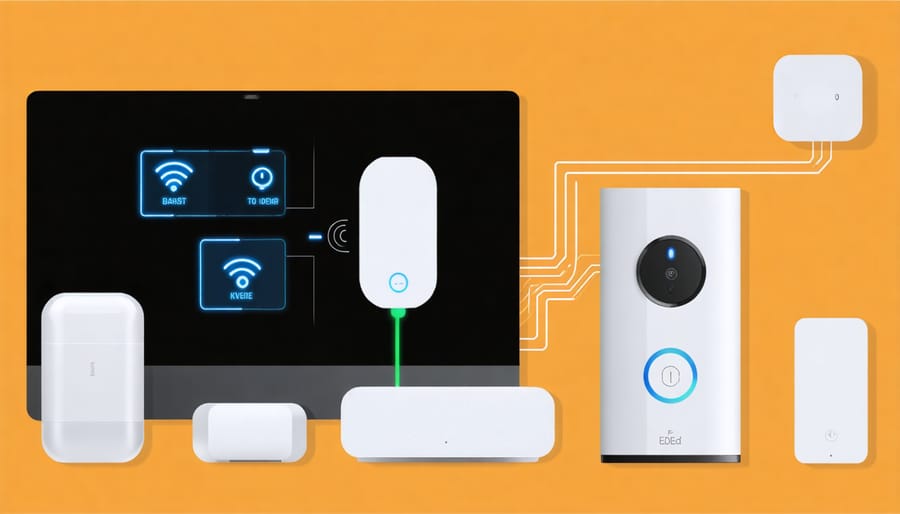
Creating Automated Entry Sequences
One of the most exciting aspects of Z-Wave smart locks is their ability to trigger custom smart home automation sequences when you enter or exit your home. Imagine walking up to your door at night – as you unlock it, your entry lights automatically illuminate, your thermostat adjusts to your preferred temperature, and your security cameras activate to record the entry sequence.
Creating these automated routines is surprisingly straightforward. Most Z-Wave hubs allow you to set up “if-this-then-that” style rules. For example, when your lock detects an authorized entry between 5 PM and 11 PM, you can program it to:
– Turn on specific lights at appropriate brightness levels
– Adjust your smart thermostat to your comfort settings
– Disable your security system’s interior motion sensors
– Play your favorite music through connected speakers
– Turn on kitchen appliances like your coffee maker
You can also create exit sequences that ensure your home is secure when you leave. When the door locks from the outside, the system can automatically:
– Turn off all interior lights
– Set the thermostat to energy-saving mode
– Arm the security system
– Close any connected window shades
– Power down selected outlets
Remember to customize these sequences based on different users and times of day. For instance, create separate routines for morning departures versus evening arrivals, or different sequences for family members versus service providers.
Compatible Smart Home Hubs and Systems
Z-Wave smart locks seamlessly integrate with numerous compatible smart home systems, making them a versatile choice for home automation enthusiasts. The Samsung SmartThings hub stands out as one of the most popular controllers, offering robust support for Z-Wave locks alongside other smart devices. Its user-friendly interface and extensive device compatibility make it an excellent choice for beginners and experienced users alike.
For those seeking local control without cloud dependency, the Home Assistant platform provides comprehensive Z-Wave lock integration through a Z-Wave stick. This open-source solution offers unlimited customization options and enhanced privacy features. Hubitat is another excellent choice, particularly for users who prioritize local processing and faster response times.
Vera Controllers have long been trusted in the Z-Wave ecosystem, offering reliable performance and straightforward setup processes. Their controllers work especially well for users who want to focus primarily on security and access control. The Ring Alarm Pro system has also gained popularity, combining home security with Z-Wave lock control in an integrated package.
For Apple enthusiasts, HomeBridge can bridge the gap between Z-Wave locks and HomeKit, though this requires some technical know-how to set up. Meanwhile, Amazon Alexa and Google Home users can control their Z-Wave locks through compatible hubs, enabling voice control and smart routines.
When choosing a hub, consider factors like local vs. cloud processing, automation capabilities, and whether you plan to expand your smart home system in the future. Most Z-Wave locks work with multiple platforms, giving you the flexibility to switch systems if needed.
Installation and Setup Tips
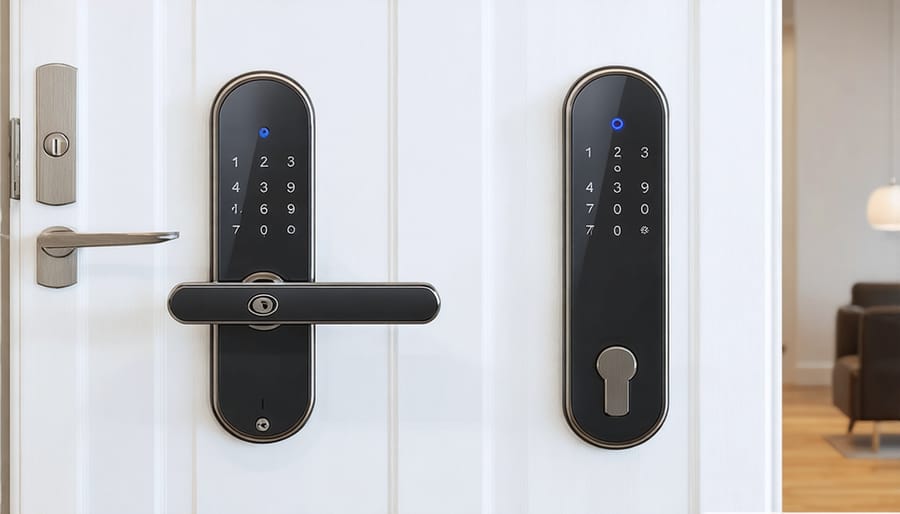
DIY Installation Steps
Before starting your Z-Wave lock installation, gather your tools: a Phillips screwdriver, measuring tape, and the installation manual specific to your lock model. Most Z-Wave locks are designed to fit standard door preparations, making them relatively straightforward to install.
Start by removing your existing deadbolt, keeping all parts organized. Clean the door surface and ensure the hole alignment matches your new smart lock’s requirements. Most Z-Wave locks come with adapters to accommodate different door thicknesses.
Install the exterior keypad first, feeding the connection cable through the door hole. Be careful not to pinch or damage the cable. Next, attach the interior mounting plate, ensuring it’s level and properly aligned with the exterior component.
Connect the cable to the interior assembly according to your model’s instructions. Most manufacturers use color-coded connectors to prevent errors. Install the required batteries (typically 4 AA batteries) in the interior housing.
Secure the interior assembly to the mounting plate with the provided screws. Don’t overtighten, as this could damage the lock or affect its operation. Test the mechanical key operation before closing the door to ensure proper functionality.
Finally, perform the electronic setup by following your lock’s specific programming instructions. This usually involves entering a master code and preparing the lock for Z-Wave network inclusion. Remember to test all functions – keypad, app control, and manual operation – before considering the installation complete.
Initial Setup and Programming
Getting your Z-Wave smart lock up and running involves a few key steps to ensure optimal performance. First, install fresh batteries and perform a factory reset on your lock according to the manufacturer’s instructions. This gives you a clean slate for programming.
Next, put your Z-Wave hub or controller into inclusion mode. This usually involves pressing a specific button or selecting the “Add Device” option in your smart home app. Then, trigger the lock’s inclusion process – typically by pressing a designated button or entering a code on the keypad. Your hub should recognize the lock within 30-60 seconds.
Once connected, take time to customize your settings. Set up unique access codes for family members and trusted visitors, and configure any special features like auto-lock timing or temporary access schedules. Many locks also offer smartphone notifications, which you’ll want to enable as part of your overall smart home security steps.
For best results, perform a few test runs before relying on the lock. Try all access codes, test the auto-lock feature if enabled, and verify that notifications work as expected. Remember to keep the batteries fresh and periodically check that the lock maintains a strong connection to your Z-Wave network.
Consider creating automated routines that integrate your lock with other smart devices, such as having lights turn on when the door unlocks or receiving alerts if the door remains unlocked after a certain time.
Z-wave smart locks represent a significant leap forward in home security and convenience, offering homeowners a perfect blend of cutting-edge technology and practical functionality. By integrating these devices into a future-proof smart home system, you’re not just upgrading your door lock – you’re embracing a more secure and convenient lifestyle.
The benefits are clear: remote access control, real-time monitoring, and seamless integration with other smart home devices have transformed how we think about home security. Whether you’re letting in a service provider while at work, checking if your teenager made it home safely, or simply ensuring all doors are secured for the night, Z-wave smart locks put control literally at your fingertips.
What makes these locks particularly valuable is their reliability and versatility. The Z-wave protocol’s mesh network ensures consistent performance, while regular firmware updates keep your security features current with emerging threats. For homeowners looking to enhance their property’s value and security, Z-wave smart locks represent an investment that pays dividends in both peace of mind and daily convenience.
As smart home technology continues to evolve, Z-wave smart locks stand as a testament to how innovation can simplify our lives while making them more secure. They’ve become an essential component of modern home security, bridging the gap between traditional locks and the connected future we’re all moving toward.