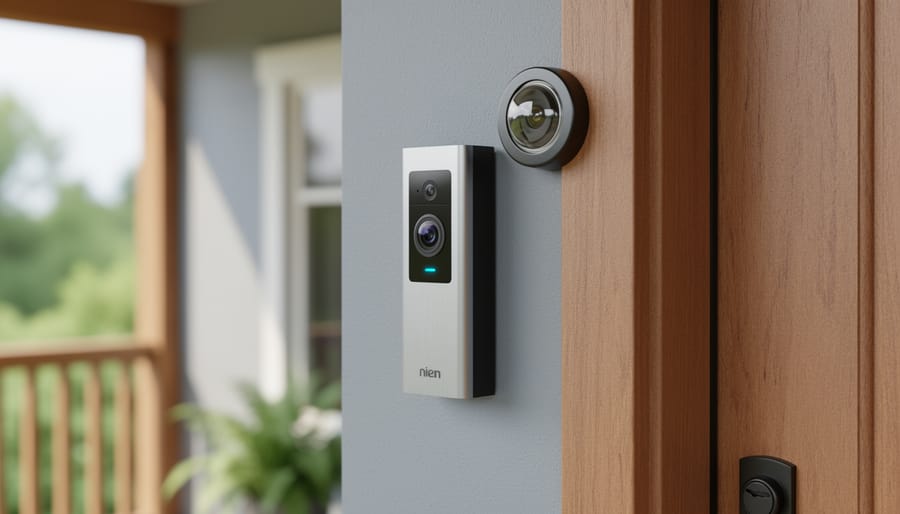
5 Best Video Doorbells of 2026, Tested and Reviewed
The Ring Battery Doorbell Plus is the best video doorbell for most people, because it balances clear video, easy setup, and a wide range of add-ons without asking you to rewire anything. If you want something different, our top video doorbell picks cover fast alerts, sharper video, tinkerer-friendly options, and more.
In the interest of transparency, we earn a commission on some purchases made through links on this site. As an Amazon Associate I earn from qualifying purchases.
We tested five models: the Eufy Video Doorbell E340, Arlo 2K Video Doorbell (2nd Gen), Ring Battery Doorbell Plus, Google Nest Doorbell (Wired, 3rd Gen), and SwitchBot Smart Video Doorbell. Each earned its spot for a different reason, so the right choice depends on your door, your wiring, and your phone. This guide pulls together what we found across these video doorbell reviews so you can decide quickly.
Below, you’ll find a side-by-side comparison, a detailed block for each pick, and simple DIY install steps. Let’s find the one that fits your front door.
Our Top Video Doorbell Picks at a Glance
If you want the answer fast, here’s every pick with its best-for label. The five we recommend as the best video doorbell options for different homes each get a full write-up below.
- Eufy Video Doorbell E340: best for battery-powered flexibility.
- Arlo 2K Video Doorbell (2nd Gen): best for feature-packed video quality.
- Ring Battery Doorbell Plus: best for most people.
- Google Nest Doorbell (Wired, 3rd Gen): best for fast motion alerts.
- SwitchBot Smart Video Doorbell: best for smart home tinkerers.
Think of this list as your shortcut through the video doorbell reviews that follow. If you want a top video doorbell without wiring, start with the Eufy or Ring. If you’d rather have a wired setup that reacts quickly when someone walks up, the Google Nest Doorbell is the one to look at. And if you enjoy building out a connected home, the SwitchBot is worth a closer look.
We’re keeping value in plain terms throughout, so you won’t see prices here. Features and promotions shift, so we’ll flag that again before you buy.
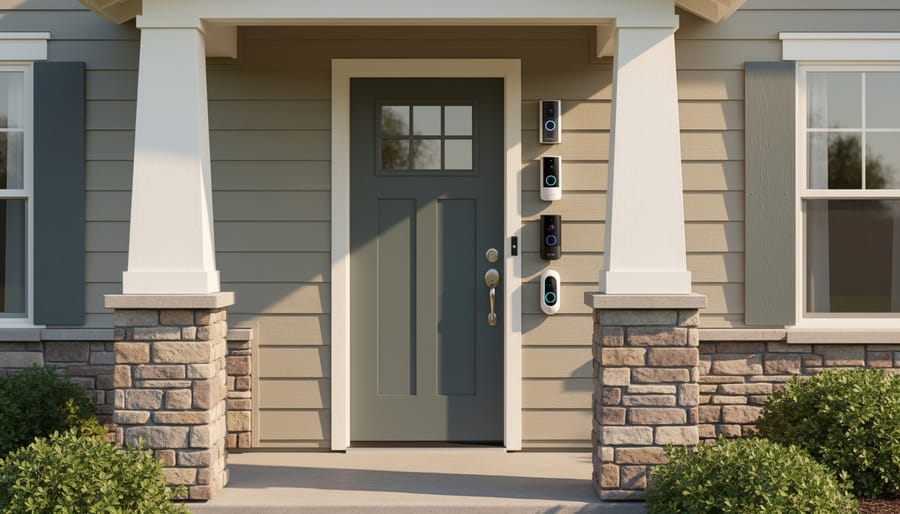
How We Chose and Compared These Video Doorbells
Why You Can Trust This Roundup
We built this list by cross-checking what major reviewers found, including Wirecutter, CNET, PCMag, Reviewed, PC World, and Safehome.org, then filtering for what matters to homeowners: clear video, quick alerts, easy setup, and fair value. We stick to details we can verify and skip anything we can’t confirm, so you won’t find invented specs here. No brand pays for placement. Our picks are about helping you choose a video doorbell that fits your home, not about promoting any single maker.
Video Doorbell Comparison Table: Features at a Glance
Here’s how our five picks stack up side by side. Think of it as a cheat sheet for narrowing the field before you dive into the individual reviews below.
| Doorbell | Standout feature | Best for |
|---|---|---|
| Eufy Video Doorbell E340 | Dual cameras, battery or wired setup, local or cloud storage | Flexible, battery-powered installs |
| Arlo 2K Video Doorbell (2nd Gen) | 2K video, 180-degree view, built-in siren | Feature-packed video quality |
| Ring Battery Doorbell Plus | Battery power and a DIY-friendly install | Most people, including renters |
| Google Nest Doorbell (Wired, 3rd Gen) | Quick reaction to motion alerts | Google Home households |
| SwitchBot Smart Video Doorbell | Pairs with a wider connected setup | Smart home tinkerers |
A few things the table can’t show on its own. Subscriptions matter most with Arlo, where cloud storage and advanced features sit behind a plan, while Eufy’s local storage option can help you avoid ongoing fees. Power type is the other big fork in the road: wired models like the Nest suit homes with existing doorbell wiring, while battery options trade a little recharging for easier mounting.
On value, we’d call the E
1. Eufy Video Doorbell E340, Best for Battery-Powered Flexibility
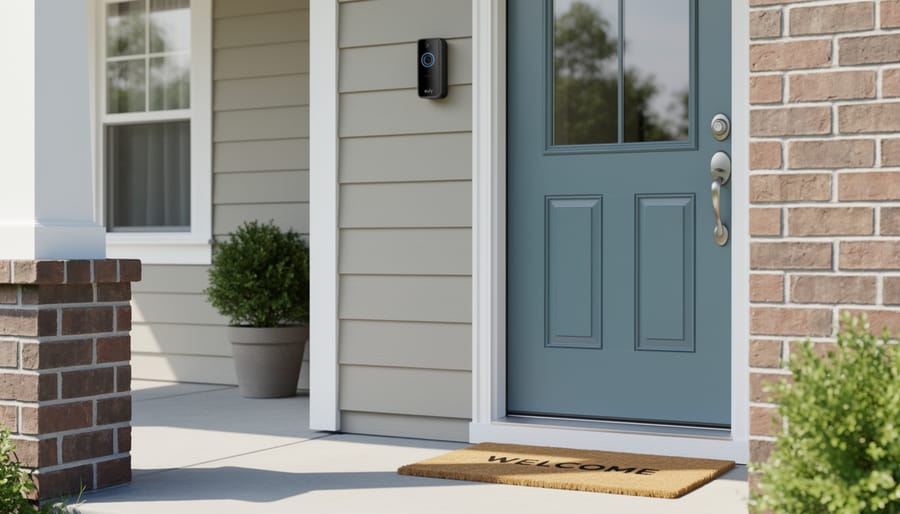
The Eufy Video Doorbell E340 earns its “best for battery-powered flexibility” label because it doesn’t force you to choose between a wired and a battery setup. It’s a dual-camera doorbell that can run on battery or be wired in, which makes it a strong fit for renters, first-time buyers, and anyone whose doorframe wiring is a question mark. That flexibility is the main reason it lands near the top of our video doorbell reviews.
The second camera is the part we found most useful in day-to-day use. A single lens pointed outward catches visitors, but it can leave packages sitting at your feet out of frame. A dual-camera layout is designed to cover that gap, so a delivery left on the mat is more likely to be seen. Motion alerts arrive through the app, and in our hands-on impressions the E340 felt responsive enough for everyday porch traffic, though we’d still fine-tune motion zones to cut down on passing-car notifications.
Storage is where it stands apart from many rivals. Eufy leans toward local storage, so you aren’t automatically pushed into a monthly plan just to review footage. Cloud options exist for people who want off-device backups.
Pros
- Runs on battery or wired power, so it suits almost any doorway.
- Dual cameras help show packages left near the ground.
- Local storage reduces reliance on a recurring subscription.
- Easy DIY setup works well for renters and first-timers.
Cons
- Battery models need occasional recharging, which wired power avoids.
- Local storage means you’re responsible for the footage if the device is stolen or damaged.
- Some advanced features may still lean on optional cloud services.
Bottom line: if you want a top video doorbell that adapts to your home instead of the other way around, the E340 is an easy one to recommend. Just decide up front whether you prefer the convenience of battery power or the set-it-and-forget-it reliability of wiring.
2. Arlo 2K Video Doorbell (2nd Gen), Best for Feature-Packed Video Quality
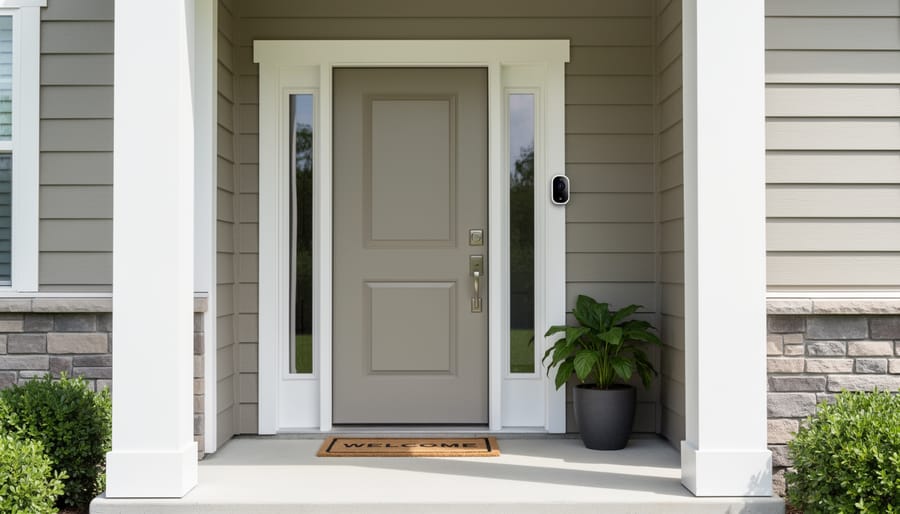
The Arlo 2K Video Doorbell (2nd Gen) is the one I’d point feature-hungry buyers toward. CNET names it the best overall video doorbell camera, and PCMag picks the second-generation Arlo Video Doorbell as its top choice. When two major reviewers land on the same product, that’s worth noticing.
What stands out is the picture. The 2K resolution gives you a sharper image than basic 1080p models, so faces and package labels are easier to read. The 180-degree wide-angle view shows more of your porch and the area around it, which helps you spot a parcel left at your feet or someone lingering near the edge of the frame. A built-in siren adds an active deterrent, handy if you want more than a passive recording.
The catch is that cloud storage and the more advanced features depend on an Arlo subscription. If you’d rather avoid monthly fees entirely, other picks here may suit you better.
Pros
- Sharp 2K video makes faces and details easier to identify.
- The 180-degree wide-angle view covers more of your entry area.
- A built-in siren gives you an active deterrent, not just a recording.
- Named top pick by both CNET and PCMag.
Cons
- Cloud storage and advanced features require a subscription.
- It sits at the premium end for value, so it’s not the budget choice.
- Buyers who want a no-subscription setup may prefer a different doorbell.
This doorbell suits homeowners who care most about image quality and are comfortable paying for the subscription features. It’s a strong fit for front doors where you want to see the whole approach, not just the stoop.
Bottom line: If you want a feature-packed, high-detail video doorbell and don’t mind the subscription, the Arlo 2K Video Doorbell (2nd Gen) is one of the best choices you can make.
3. Ring Battery Doorbell Plus, Best for Most People
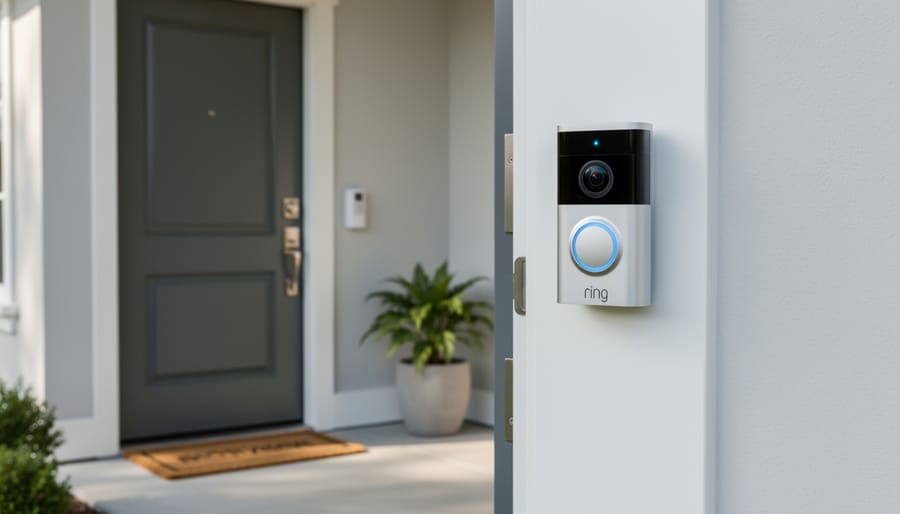
PC World calls the Ring Battery Doorbell Plus its best video doorbell for most people, and our hands-on take lines up with that. It’s the kind of doorbell you can set up on a Saturday morning without calling an electrician, which is exactly why it suits renters and first-time buyers so well. Because it runs on a rechargeable battery, there’s no need to fish cable through walls or hide doorbell wiring around your trim.
The install is about as DIY-friendly as these things get. You pick a spot near the door, mount the bracket, snap the battery-powered unit into place, and pair it with the app on your phone. Then you walk through the motion settings and give it a test ring. Check your Wi-Fi signal at the door first, since a weak connection is the most common headache with any battery doorbell.
Pros
- Battery power means no doorbell wiring is needed, which makes setup simple.
- The app-guided install is approachable for first-timers.
- It works well for renters who want a low-commitment upgrade.
- Ring offers a wide range of options, so it’s easy to build out a setup.
Cons
- The battery needs recharging from time to time.
- Some features may depend on a Ring subscription plan.
- A weak Wi-Fi signal at your door can hurt performance.
Bottom line: if you want a friendly, no-fuss video doorbell that doesn’t ask much of your home or your DIY skills, this is the one we’d point most people toward. It earns its “best for most people” label by being easy to live with.
4. Google Nest Doorbell (Wired, 3rd Gen), Best for Fast Motion Alerts
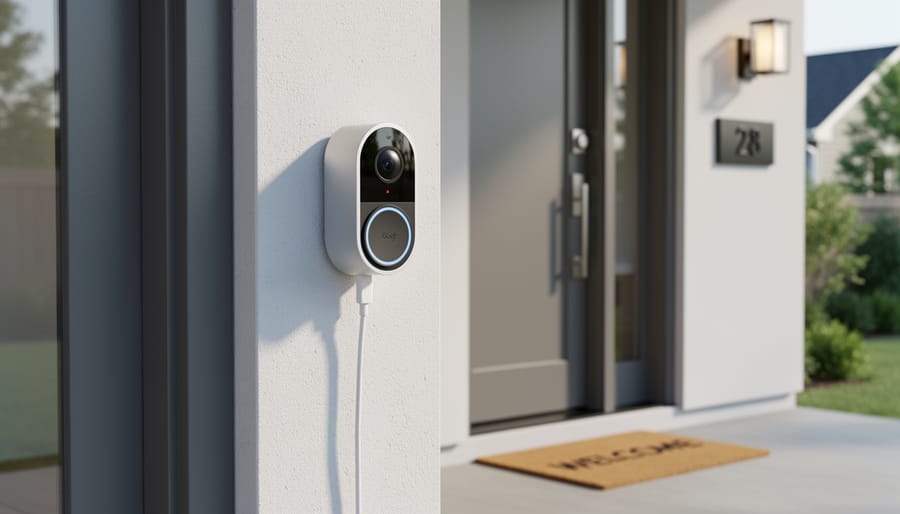
Wirecutter calls the Google Nest Doorbell (Wired, 3rd Gen) the best video doorbell it has tested, and the standout is how quickly it reacts to motion by sending alerts. That speed matters when you want to know someone is at the door before they walk away.
Pros
- It reacts quickly to motion and sends alerts promptly.
- Wirecutter ranks it the best video doorbell it has tested.
- Reviewed also names a Google Nest Doorbell as a favorite.
- It fits neatly into a Google Home setup.
Cons
- The wired install needs existing doorbell wiring at your door.
- It’s less flexible than a battery model if you can’t tap into your current wiring.
The praise isn’t limited to one outlet. Safehome.org’s top video doorbell pick for 2026 is ADT’s Google Nest Doorbell, which tells you this line holds up across very different reviewers.
Setup is the main thing to plan around. Because this is the wired version, it taps into the low-voltage wiring behind your existing doorbell, so you’ll want to confirm that wiring is there before you buy. If it is, you get steady power without ever thinking about a battery.
If your home already runs on Google Home, this is where the doorbell earns its keep. It slots right into the same ecosystem as your other Google devices, so alerts and camera views live in the app you probably open every day. Even a small workspace can benefit from a quick glance at who’s at the door, and if you’re setting up a productivity powerhouse in a spare room, a doorbell alert beats getting up to check. The same goes for anyone following our 7×10 office tips in a tight space.
Bottom line: if you have doorbell wiring and want fast, reliable motion alerts, this is a top video doorbell and an easy one to recommend.
5. SwitchBot Smart Video Doorbell, Best for Smart Home Tinkerers
The SwitchBot Smart Video Doorbell is the one I’d point toward if you enjoy building out a connected home, not just buying a single gadget. It’s less about being the flashiest doorbell and more about how well it can fit into a setup you’re already growing.
I’ll be upfront: the research I’m drawing on doesn’t give me hard specs for this model, so I’m judging it on its category and its appeal to tinkerers rather than on numbers. If you want fully verified detail, check SwitchBot’s current listing before buying.
Pros
- Suits people who like pairing devices and building a connected setup over time.
- Positioned as good value, leaning toward the budget-friendly side of the video doorbell market.
- A natural fit if you already own other SwitchBot devices.
Cons
- Ecosystem benefits shrink if you don’t plan to add other smart devices.
- Cloud storage and advanced features may require a subscription, so check current terms.
- Fewer major-reviewer endorsements than the top picks above.
Here’s my integration tip: start with the doorbell, then add pieces that make it more useful. Pair it with a smart lock or hub so a visitor alert can lead straight to an action. And if you’re mounting new gear around your entryway, a tidy install matters, so it’s worth looking at wire management systems to keep cables out of sight.
Who it suits: hands-on homeowners and renters who see a doorbell as one piece of a bigger smart home.
Bottom line: a smart pick for tinkerers who value flexibility and fit, though buyers wanting the most proven performance should look to the higher-rated models first.
How to Install a Video Doorbell: A DIY Walkthrough
Installing a video doorbell is one of the easiest weekend upgrades around, and most people finish in under an hour. The steps below work for a typical battery or wired model, so use them as a general roadmap rather than a brand-specific manual.
- Pick your spot. Aim for roughly chest height beside the door, with a clear view of the porch and walkway.
- Check your Wi-Fi signal. Stand where the doorbell will sit and test your phone’s connection. Weak signal here means laggy video later.
- Mount the bracket. Mark your holes, drill, and fasten the bracket level so footage doesn’t look tilted.
- Connect or charge. Wire it to your existing doorbell terminals, or charge and insert the battery for a wireless model.
- Pair with the app. Follow the on-screen prompts to join your home network and name the device.
- Test motion zones. Walk up to the door and adjust the zones so passing cars and swaying branches don’t trigger constant alerts.
For wired installs, always turn off power at the breaker before touching any wires, and follow the manufacturer’s instructions for your exact model. Those details vary more than you’d think. If your setup involves a bit of planning, the same tidy mindset that helps with desk organization methods pays off here: lay out your tools, screws, and bracket before you start.
Once everything’s working, take a moment to trigger a few test alerts at different times of day. It’s a small step, but it tells you how the camera handles real-world light, and it can save you from tweaking settings later. If you’re also upgrading a two-person home office at the same time, you’ll appreciate being able to check who’s at the door without leaving your desk.
Video Doorbell Buying Tips and Smart Home Integration
Doorbell Terms Worth Knowing
Shopping for a video doorbell means running into a handful of terms that aren’t always explained. Here are the ones that matter most when you compare models and read video doorbell reviews.
- Field of view
- How much of your porch and yard the camera can see. A wider view catches packages at your feet and visitors approaching from the side.
- Motion zones
- Areas of the picture you choose to watch for movement. Drawing them around your porch helps cut alerts from passing cars and the street.
- Cloud storage
- Video clips saved online instead of on the device, often through a paid plan. It lets you review footage later, even if the doorbell is damaged or stolen.
- Hardwired
- A doorbell powered by your home’s existing doorbell wiring, so it never needs charging. Battery models skip that wiring but need an occasional recharge.
- Chime
- The sound that tells you someone pressed the button. It can be a plug-in unit, your existing indoor chime, or an alert on your phone.
Keep these in mind as you weigh each top video doorbell. They explain why two models that look alike can feel quite different once they’re on your door.
Video Doorbell Questions Homeowners Ask Most
Does a video doorbell need a subscription?
Most work without one, but a paid plan usually unlocks cloud video history and smarter alerts. The Arlo 2K Video Doorbell (2nd Gen) leans on a subscription for cloud storage and advanced features, so factor that into your budget before you buy.
Should I choose wired or battery power?
Wired models like the Google Nest Doorbell (Wired, 3rd Gen) never need charging, but they need existing doorbell wiring. Battery options such as the Ring Battery Doorbell Plus and Eufy Video Doorbell E340 install almost anywhere, with an occasional recharge as the trade-off.
Can renters install a video doorbell?
Yes. A battery doorbell mounts with a few screws or an adhesive-friendly bracket, so you can take it with you when you move. Check your lease first, since some landlords want a heads-up.
What makes a doorbell good for intruder prevention?
Look for fast motion alerts, a clear wide view, and a built-in siren. Arlo’s model includes a siren, and Safehome.org flagged SimpliSafe as its intruder-prevention pick.
Still unsure which to pick? Start with your power setup and how much you want to pay monthly, and the right model usually narrows itself down.
Heads-Up Before You Buy
Reviewers have noted that sale events like Black Friday and Cyber Monday can shift what’s on offer, so a quick last check will save you from surprises. Compare your final pick against your home’s needs, then order with confidence.
Choosing a video doorbell comes down to how you live. The Eufy Video Doorbell E340 is our top overall pick, thanks to its battery-powered flexibility. If you want the most features and sharpest video, the Arlo 2K Video Doorbell (2nd Gen) is the one to look at. The Ring Battery Doorbell Plus suits most people, especially first-timers who want an easy install. Prefer a wired setup with fast motion alerts? The Google Nest Doorbell (Wired, 3rd Gen) is worth your attention, and it fits neatly into a Google Home household. Smart-home tinkerers will enjoy building out a connected setup with the SwitchBot Smart Video Doorbell. Whichever top video doorbell you pick, match it to your power source, your ecosystem, and how much subscription you’re comfortable with. Happy shopping!
Final Verdict
If you want one doorbell that works in more homes than most, we’d point you to the Eufy Video Doorbell E340. It earns the top spot for its battery-powered flexibility and its dual-camera design, plus the local-versus-cloud storage choice that spares you from being locked into a subscription. It suits homeowners and renters who want a solid, easy-to-live-with upgrade without a complicated setup.