Secure Your Smart Home Like a Pro (No Tech Degree Required)
Transform your home’s cybersecurity culture by empowering every family member with essential digital safety skills. Start with interactive training sessions that teach fundamental password management, phishing detection, and smart device protection. Create engaging monthly security challenges to protect your smart home and reward family members who consistently follow security best practices. Establish clear, easy-to-follow security protocols for all connected devices, from doorbell cameras to smart thermostats, ensuring everyone understands their role in maintaining household digital safety. Security awareness isn’t just about technology—it’s about building lasting habits that safeguard your family’s digital life while maintaining the convenience and comfort of modern smart living.
Why Your Smart Home Needs a Security Guardian (You)
The Real Threats to Your Connected Home
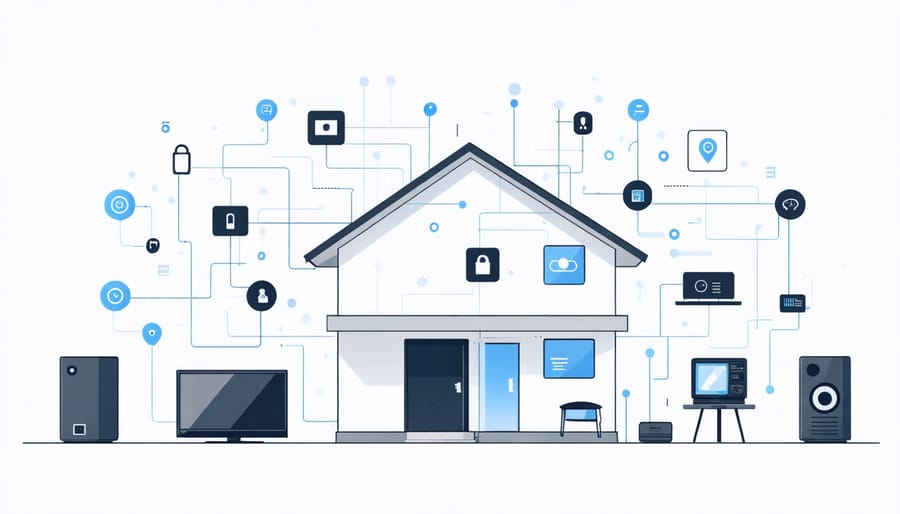
While smart home devices offer incredible convenience, they can also become entry points for cybercriminals if not properly secured. The most common threats to your connected home include unauthorized access to security cameras, exploitation of unsecured smart locks, and hijacking of voice assistants to gain control of other connected devices.
Weak or default passwords on your smart devices are like leaving your windows unlocked – they’re an open invitation to intruders. Many homeowners don’t realize that their smart thermostats, lighting systems, and even seemingly innocent smart appliances can be compromised to gain access to their home network.
Data breaches are another significant concern. Your smart devices collect personal information about your daily routines, energy usage, and even conversations. Without proper security measures, this data could end up in the wrong hands. Additionally, outdated firmware in smart devices can contain vulnerabilities that hackers actively exploit.
Perhaps most concerning is the potential for device hijacking, where criminals take control of your smart home systems to either spy on your family or create disruptions in your daily life. They might manipulate your security system, adjust your thermostat, or even use your smart speakers to make unauthorized purchases.
Your Role as the Home’s Security Manager
As the primary user of your smart home system, you’re essentially the security manager of your digital household. This role comes with important responsibilities that help protect your family and property. Think of yourself as the gatekeeper who ensures all security measures are properly maintained and followed.
Your daily tasks include monitoring system notifications, reviewing access logs, and ensuring all family members follow established security protocols. You’ll need to stay informed about software updates, promptly install patches when available, and regularly check that all devices are functioning correctly.
Just like a home needs regular maintenance, your smart home security requires consistent attention. Make it a habit to perform weekly security checks, update passwords quarterly, and review user access permissions monthly. Keep an eye on unusual activities or notifications that might indicate security issues.
Remember, being proactive is key. By taking ownership of your home’s security management, you create a safer, more secure environment for everyone under your roof. Don’t hesitate to seek professional help when needed, especially for complex security matters beyond your expertise.
Smart Home Security Basics Everyone Should Know
Password Protection That Actually Works
Creating strong passwords is your first line of defense in protecting your smart home devices. Start by using a unique password for each device and account – think of it like having different keys for different doors in your house. Aim for passwords that are at least 12 characters long, combining uppercase and lowercase letters, numbers, and special characters.
Consider using a password manager to keep track of all your complex passwords securely. It’s like having a digital safe for all your keys, and you only need to remember one master password. When setting up new devices, always change the default passwords immediately – these are widely known and are an easy target for intruders.
Avoid using personal information like birthdays, pet names, or addresses in your passwords. Instead, try creating memorable phrases and substituting letters with numbers and symbols. For example, “ILoveMyCoffee2023!” is much stronger than “Password123.”
Remember to update your passwords every few months, especially after any security incidents or data breaches. Think of it as changing your locks periodically for better security.
Network Security Made Simple
Securing your home network doesn’t have to be complicated. Start with the basics: change your router’s default password to a strong, unique one that combines letters, numbers, and symbols. Next, ensure your WiFi network uses WPA3 encryption (or at least WPA2) and create a network name that doesn’t reveal personal information about your household.
Consider setting up a guest network for visitors and smart devices, keeping them separate from your main network where you handle sensitive information. This is especially important for smart home privacy protection and preventing unauthorized access to your connected devices.
Regular firmware updates for your router and smart devices are crucial for maintaining security. Enable automatic updates whenever possible, and check manually every few months for any missed updates. Finally, maintain a list of all connected devices and regularly review it to ensure you recognize everything on your network. If you spot something unfamiliar, investigate immediately or remove it from your network.
Daily Security Habits That Protect Your Smart Home
Protecting your smart home doesn’t have to be complicated. By establishing simple daily habits, you can significantly enhance your home’s security while enjoying the convenience of user-friendly smart home controls. Start each day by checking your security app notifications to ensure all systems are functioning correctly and no unusual activities were detected overnight.
Make it a routine to verify that all smart locks are properly engaged before leaving home or going to bed. Take a moment to confirm that security cameras are positioned correctly and free from obstruction. Regular checks of motion sensor placement ensure they haven’t been bumped or moved during daily activities.
Review connected device lists weekly to spot any unauthorized devices on your network. Change passwords every three months for all smart home accounts and devices, using unique combinations for each. Enable two-factor authentication wherever available, adding an extra layer of protection to your smart home ecosystem.
Before bedtime, do a quick system check: ensure outdoor lights are properly scheduled, garage doors are closed, and security systems are armed. Keep your smart home hub’s firmware updated by enabling automatic updates or checking manually once a week.
Monitor your home’s activity logs periodically to establish normal patterns and identify potential security concerns early. Share these security habits with family members and ensure everyone understands their role in maintaining home security. By incorporating these simple checks into your daily routine, you’ll create a safer, more secure smart home environment without adding unnecessary complexity to your life.
Teaching Your Family Smart Home Safety
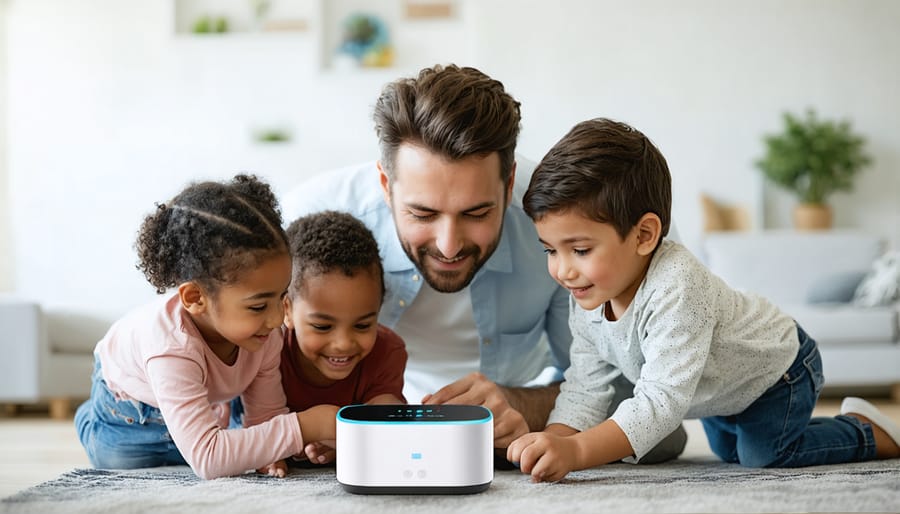
Teaching your family about smart home security doesn’t have to be complicated or boring. Start with a family meeting where you can explain the basics of your smart home system and why security matters. Make it fun and relatable – compare your smart doorbell to a digital version of looking through a peephole, or your smart locks to having a super-reliable doorman.
Create simple rules that everyone can remember. For example, never share access codes or passwords, don’t let strangers know about your home automation features, and always check who’s at the door using your smart cameras before opening it. For younger children, turn it into a game – maybe create a “security superhero” checklist they can follow.
Make sure everyone knows how to use emergency features, like panic buttons or emergency shut-offs. Practice scenarios together, similar to fire drills, so family members feel confident handling different situations. Set up individual user accounts for family members old enough to use the system, allowing you to monitor and manage access while teaching responsibility.
Regular check-ins are important. Schedule monthly “smart home safety moments” where you review any new features, discuss concerns, or share security tips. Keep the conversation going by encouraging questions and addressing any issues promptly. Remember, when everyone understands and participates in smart home security, your home becomes significantly safer.
Security awareness isn’t just a one-time task – it’s an ongoing commitment to protecting your smart home and family. By implementing regular security training and making it a natural part of your daily routine, you’ll create a safer, more secure living environment. Remember to keep your training sessions engaging, involve all family members, and regularly update your security practices as technology evolves. Start small with basic security habits and gradually build upon them. The effort you invest in security awareness today will pay dividends in protecting your home and loved ones tomorrow. Make security consciousness a family value, and you’ll enjoy peace of mind knowing you’ve taken proactive steps to safeguard your smart home ecosystem.