
Smart Energy Tracking: How Z-Wave Monitors Cut Your Office Power Bills
Transform your energy management strategy with a Z-Wave energy monitor – the smart solution that puts real-time power consumption data at your fingertips. As a cornerstone of Z-Wave home automation, these innovative devices track electricity usage down to individual appliances, helping you identify energy hogs and optimize consumption patterns. Whether you’re managing a single household or overseeing multiple properties, Z-Wave monitors integrate seamlessly with existing smart home systems, providing detailed analytics and real-time alerts through user-friendly mobile apps. By delivering precise consumption data and automated energy-saving recommendations, these monitors typically pay for themselves within months through reduced utility bills and more efficient resource allocation. For property owners and managers serious about sustainability and cost control, Z-Wave energy monitoring represents a practical, powerful step toward smarter energy management.
Why Z-Wave Energy Monitoring Makes Sense for Your Workspace

Real-Time Power Usage Insights
Z-Wave energy monitors transform your relationship with power consumption by providing instant, actionable data right at your fingertips. These smart devices continuously track electricity usage throughout your home, delivering real-time updates to your smartphone or control panel. Instead of waiting for your monthly utility bill to understand your energy habits, you can see exactly how much power you’re using at any given moment.
When you turn on your dishwasher or crank up the AC, the monitor immediately shows you the impact on your energy consumption. This instant feedback helps you make informed decisions about your power usage. For example, you might notice that running your dryer during peak hours costs significantly more than during off-peak times, allowing you to adjust your habits accordingly.
Many Z-Wave monitors also offer helpful features like power usage alerts, daily consumption summaries, and even predictions for your monthly bill based on current usage patterns. This real-time insight empowers you to take control of your energy consumption, identify energy-hungry appliances, and make immediate adjustments to reduce both your environmental impact and utility costs.
Wireless Integration with Smart Office Systems
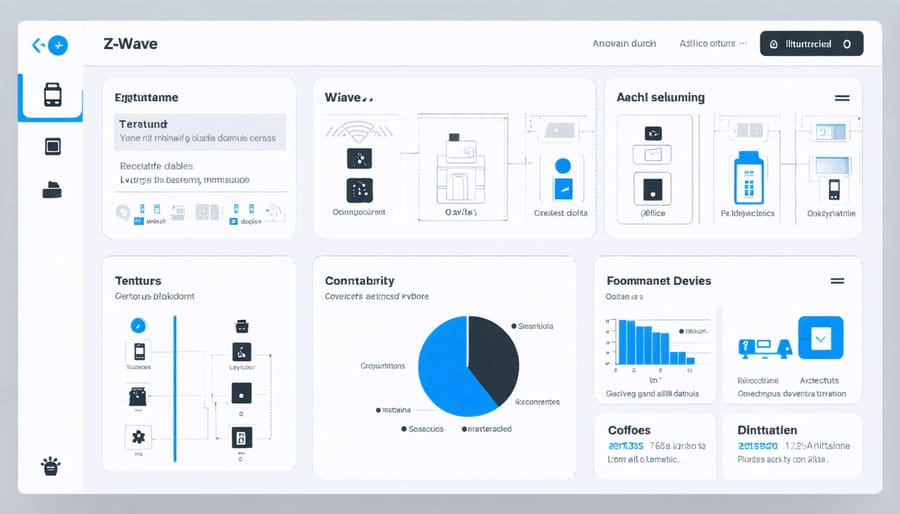
Z-Wave energy monitors seamlessly integrate with a wide range of smart office devices, making them a cornerstone of modern smart energy management systems. This compatibility extends to popular office automation tools like smart thermostats, lighting controls, and occupancy sensors. By connecting these devices, office managers can create automated routines that optimize energy usage based on real-time data.
For example, when the Z-Wave monitor detects high energy consumption during peak hours, it can trigger automated responses like dimming non-essential lights or adjusting HVAC settings. This smart ecosystem also works with most major automation hubs, including SmartThings, Hubitat, and Home Assistant, making it easy to incorporate energy monitoring into existing smart office setups.
The real power comes from the ability to access and control these systems remotely through smartphone apps or web interfaces. This means facility managers can monitor energy usage, receive alerts, and make adjustments from anywhere, ensuring optimal energy efficiency even when they’re off-site.
Setting Up Your Z-Wave Energy Monitor
Installation Basics
Installing a Z-Wave energy monitor is a straightforward process that most homeowners can complete in about 30 minutes. Before you begin, turn off the power at your main circuit breaker – safety always comes first!
Start by identifying the ideal location for your monitor, typically near your electrical panel. Most Z-Wave monitors come with a mounting bracket and clear instructions for secure placement. Ensure you have enough clearance around the device for proper ventilation and easy access.
For the physical installation, you’ll need to connect the monitor’s current transformers (CTs) around your main power lines. These clamp-style sensors simply clip around your main electrical feeds – no wire cutting required. If you’re not comfortable working with your electrical panel, it’s best to contact a licensed electrician.
Once the hardware is in place, power up your system and prepare for the Z-Wave network integration. Most modern monitors include a user-friendly app that walks you through the pairing process. Simply press the inclusion button on your monitor and follow the app’s prompts to add it to your Z-Wave network.
After installation, take a few minutes to configure your basic settings. Set up power consumption thresholds, customize alerts, and familiarize yourself with the monitoring interface. Your energy monitor will begin collecting data immediately, giving you valuable insights into your power usage patterns.
Remember to test the system by checking if your monitor is reporting accurate readings through your Z-Wave controller or app.
Connecting to Your Smart Hub
Connecting your Z-Wave energy monitor to your smart hub is a straightforward process that typically takes just a few minutes. Most modern smart hubs, including Samsung SmartThings, Hubitat, and Home Assistant, are compatible with Z-Wave energy monitors right out of the box.
To begin pairing, place your energy monitor within 5 feet of your smart hub. This ensures a strong signal during the initial connection process. Next, open your hub’s mobile app or web interface and look for the “Add Device” or “Include Device” option. Select “Z-Wave Device” from the available categories.
Put your energy monitor into pairing mode by pressing the designated inclusion button – usually marked on the device or detailed in the user manual. The LED indicator on your monitor should start blinking to show it’s ready to pair. Your hub should automatically detect the device within 30-60 seconds.
Once connected, you’ll need to configure basic settings like naming your device and assigning it to a room or area in your smart home system. Many hubs will automatically recognize the device type and enable relevant energy monitoring features.
For the best performance, after pairing is complete, mount your energy monitor in its final location and run a quick communication test through your hub’s interface to ensure a stable connection. Remember that Z-Wave creates a mesh network, so having other Z-Wave devices nearby can help strengthen the signal.
Maximizing Your Energy Savings
Reading and Interpreting Energy Data
Understanding your Z-Wave energy monitor readings doesn’t have to be complicated. These smart devices provide valuable data that can help you reduce workplace energy costs when interpreted correctly.
Most Z-Wave monitors display real-time power consumption in kilowatt-hours (kWh), which is your basic unit of electricity usage. They also typically show voltage levels and current draw, helping you identify potential electrical issues before they become problems.
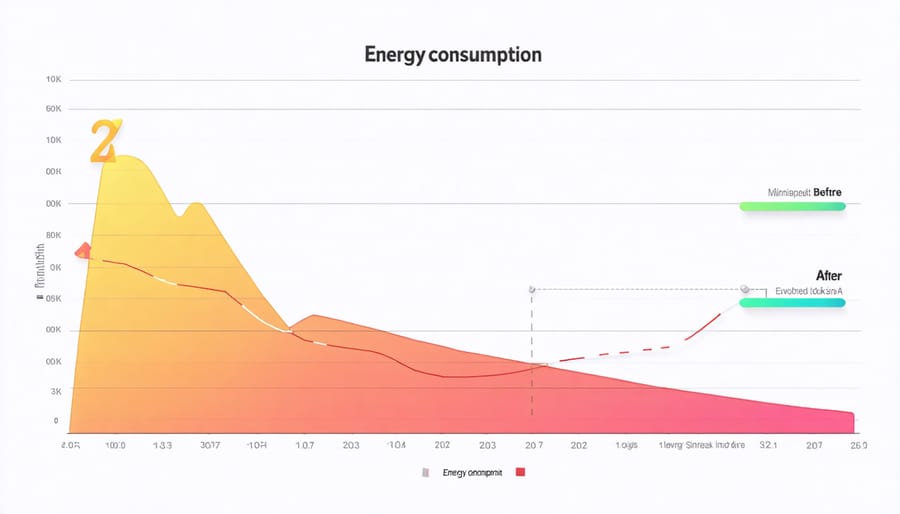
The monitor’s dashboard usually presents this information through easy-to-read graphs and charts. Look for patterns in your daily and weekly usage – spikes during certain hours might indicate equipment that’s running unnecessarily or inefficiently. Many monitors also calculate cost estimates based on your local utility rates, making it simple to understand the financial impact of your energy use.
Pay special attention to baseline consumption during off-hours. If you’re seeing significant energy use when your space should be inactive, this could point to equipment that needs to be powered down or maintained. Some advanced monitors even send alerts when usage exceeds preset thresholds, helping you catch unusual patterns quickly.
Remember to check your historical data regularly – monthly comparisons can reveal seasonal patterns and help you adjust your energy strategy accordingly.
Creating Smart Energy-Saving Routines
Creating smart energy-saving routines with your Z-Wave energy monitor is easier than you might think. Start by analyzing your daily energy usage patterns for a week to identify peak consumption times. Once you have this baseline data, you can set up automated schedules that optimize your energy usage.
Consider creating morning and evening routines that automatically adjust your smart devices. For example, program your system to turn off non-essential appliances during peak rate hours, or set up alerts when energy usage exceeds predetermined thresholds. You can also create seasonal schedules that account for changing daylight hours and temperature variations.
Take advantage of your Z-Wave hub’s scenes feature to group multiple actions together. A “Goodnight” scene could turn off all lights, lower the thermostat, and ensure energy-hungry devices are powered down. Similarly, a “Work Mode” scene could optimize energy use during your typical office hours.
For maximum savings, link your energy monitor with motion sensors and smart plugs. This combination can automatically power down devices in unused rooms or shut off standby power to electronics when they’re not in use. Don’t forget to set up mobile notifications to alert you about unusual energy spikes or when devices are left running unnecessarily.
Remember to review and adjust your routines every few months as your habits change and you discover new optimization opportunities. Small adjustments to your automated schedules can lead to significant energy savings over time.
Installing a Z-Wave energy monitor is a smart investment that can transform how you manage your home’s energy consumption. By providing real-time data and detailed insights into your power usage, these devices empower you to make informed decisions about your energy habits and identify opportunities for savings. The ability to monitor usage remotely through your smartphone or tablet adds convenience and control to your daily routine, while integration with other smart home devices creates a more efficient living environment.
Beyond the immediate benefits of reduced energy bills, these monitors contribute to a more sustainable lifestyle and can increase your property’s value. The initial setup effort pays off through long-term savings and the peace of mind that comes from knowing exactly how your home uses energy. Whether you’re an eco-conscious homeowner, a budget-minded family, or a property manager looking to optimize operations, a Z-Wave energy monitor is a practical solution that delivers tangible results.
Take the first step toward smarter energy management today – your wallet and the environment will thank you.